
Oman / Tools
Oman’s Ayn Workshop Highlights Child Profiles, Offline Viewing and a Larger Local Media Library
A Ministry of Information workshop in Nizwa on 5 November brought fresh attention to the existing Ayn platform. Its practical features include child subaccounts, downloads in the app and catch-up content, giving families a local media tool to assess deliberately.
The fresh development is an explanation of an existing service
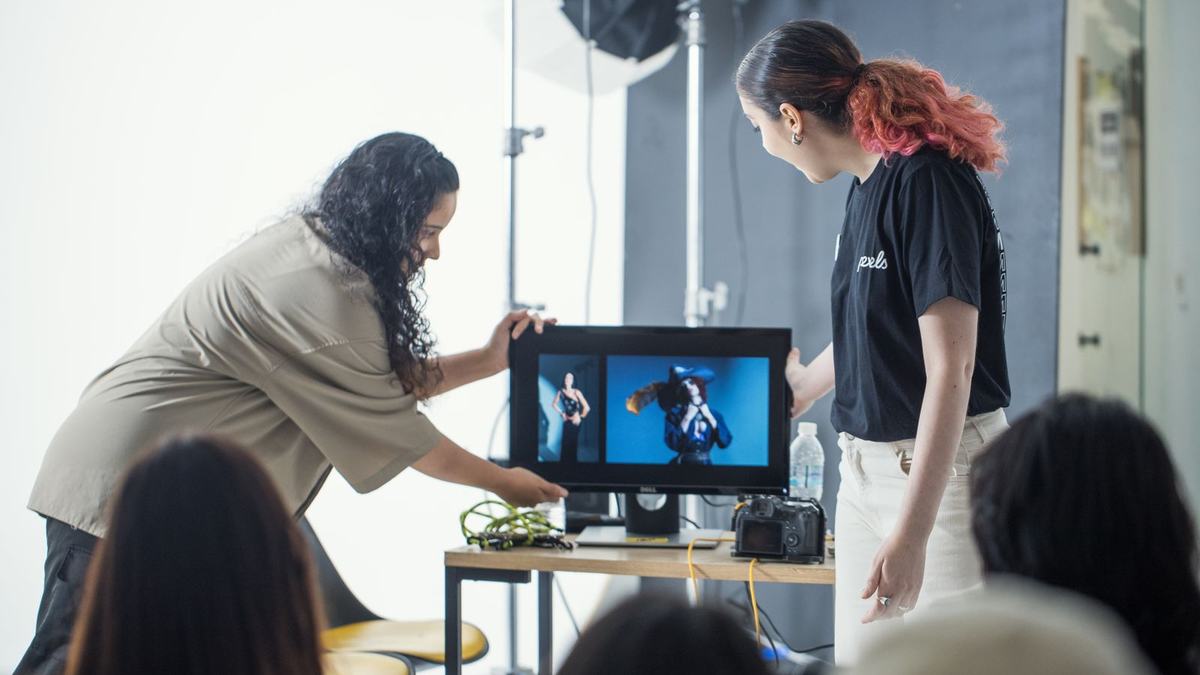
Oman’s Ministry of Information presented Ayn’s services at a Nizwa workshop on 5 November, organised with Al Dakhiliyah Governorate. The session covered the digital platform, opportunities to contribute content and responsible use of digital technologies. It is a fresh public explanation of an existing service, not the launch of a new app: Ayn began in 2021. That distinction matters for readers deciding what has changed and for existing users who may already have access to the features discussed.
The Ministry’s Oman Observer report says Ayn holds more than 85,000 audio and visual items, including a children’s collection exceeding 8,000. Content specialist Zainab bint Said al Hashami described age-based child accounts and opportunities for talented young users to participate in content creation. Those opportunities were described at the workshop, but the report does not publish an open submission form, selection criteria or payment terms. Prospective contributors should seek the platform’s actual instructions before treating the announcement as a commission.
Start with the task, then the feature
Ayn’s own website invites free registration and lists practical account features: personalisation, downloads through the app, programme reminders, subaccounts and a saved-content list. These functions solve different problems. A reminder helps a viewer return at the right time; a saved list keeps a chosen item easy to find; a download allows use without a live connection. Start by identifying the particular problem in your household, rather than enabling every feature simply because it is available.
For example, a family looking for an Omani documentary can first choose the subject together, then save the programme so it is easy to return to. Someone following a series may prefer reminders. A parent organising material for a journey may need the app’s download option. These are suggested ways to use the published features, not claims that every title supports every function. Check the chosen item inside the current service, including whether it is available to your account and device.
Child profiles need an adult’s choices
A child profile is a useful organisational tool, but it does not make an adult’s judgement unnecessary. Begin with a small set of programmes that match the child’s language, interests and attention. Watch or listen together long enough to understand the format. A health programme, animated story and science explanation ask different things of a young viewer; the existence of a children’s section does not mean that every item has the same pace, complexity or intended age.
The workshop emphasised Omani identity, values and traditions in the children’s collection. Families can turn that material into a conversation by asking about a familiar word, place or practice after watching. The aim is to connect content with something the child can recognise, rather than to measure how much of a large catalogue has been consumed. A short programme followed by a shared discussion may fit a household better than a long succession of suggested videos.
For multilingual families, decide which language you want a particular session to support and inspect the actual programme before selecting it. The launch material does not promise subtitles or dubbing for every item. Nor does the workshop establish a uniform educational curriculum for the whole collection. Parents can use the service as media and conversation material while continuing to rely on their school’s own learning guidance and the needs of the individual child.
Downloads change when and where content can be used
Offline viewing is particularly useful when an internet connection is inconvenient, but it requires preparation while a connection is available. Choose the programme, allow the download to finish and test that it opens in the app before leaving. Check device storage and the item’s current availability. The website confirms app downloads as a feature, but it does not state a universal retention period or promise that downloaded programmes remain available indefinitely. Follow the information displayed for the selected content.
Separate downloads also help distinguish a planned family session from an open-ended browsing habit. A parent can choose a programme in advance and decide when the viewing ends, instead of navigating a large library with an impatient child during a journey. This is a practical use pattern, not a claim that Ayn enforces a particular screen-time limit. Account controls should be checked in the live service, because the workshop report does not provide a complete technical description of parental restrictions.
Local media can complement a family’s experience of Oman
Ayn’s catalogue gives residents another route into local places and cultural subjects between visits. Its website displays documentaries on Omani landscapes and heritage, alongside broadcast material. A family interested in a place can use a programme to prepare a question before going there, or to revisit a detail afterwards. The value lies in connecting a media experience with observation and conversation, rather than treating an online programme as a complete account of a community or historic site.
MyGCCNews’ Muscat-and-Nizwa heritage guide provides a complementary way to explore place and everyday life, while its Oman arrival guide helps new residents organise the broader household routine. The practical news from Nizwa is that a public workshop has made Ayn’s existing capabilities more visible. Residents can assess the tool directly at ayn.om, choose the features that address a real household need and check current in-app instructions before relying on an account setting, a download or a proposed contribution.
Gabriel Nicolaev – CyGuru.
Gabriel Nicolaev – CyGuru